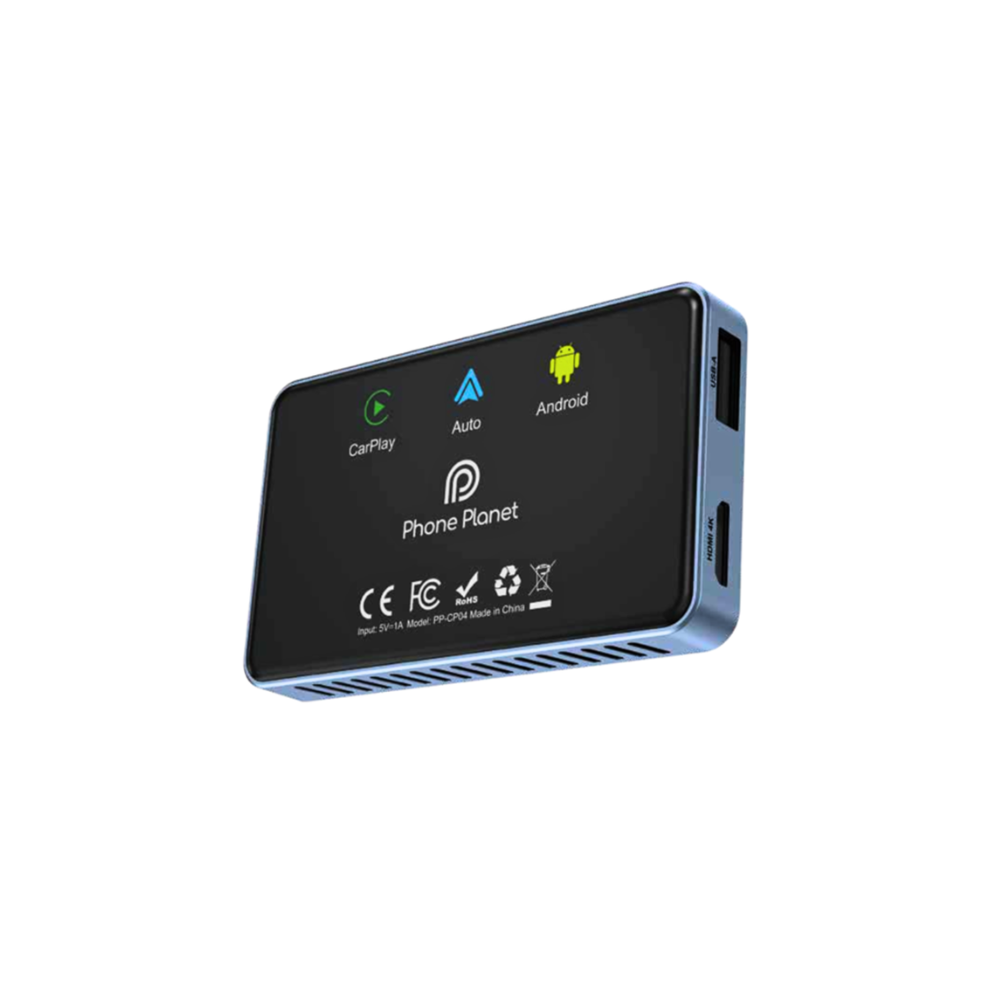
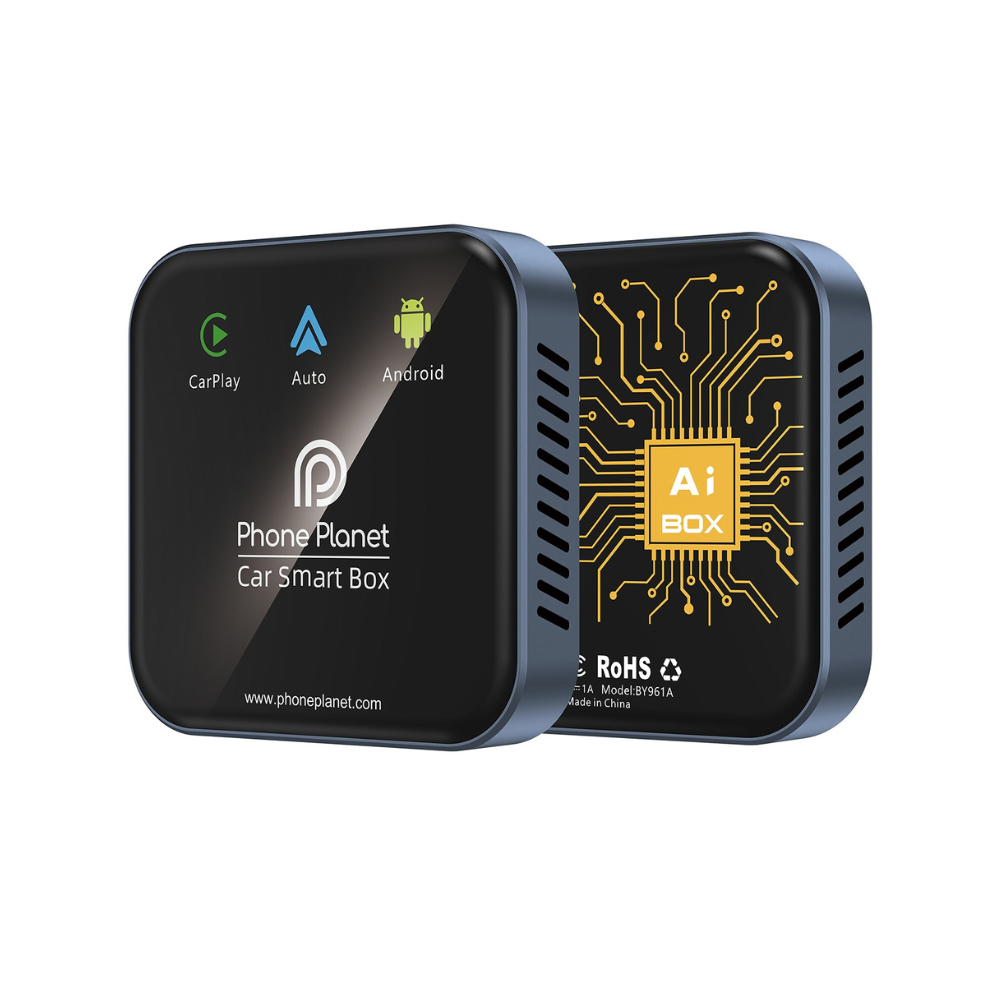
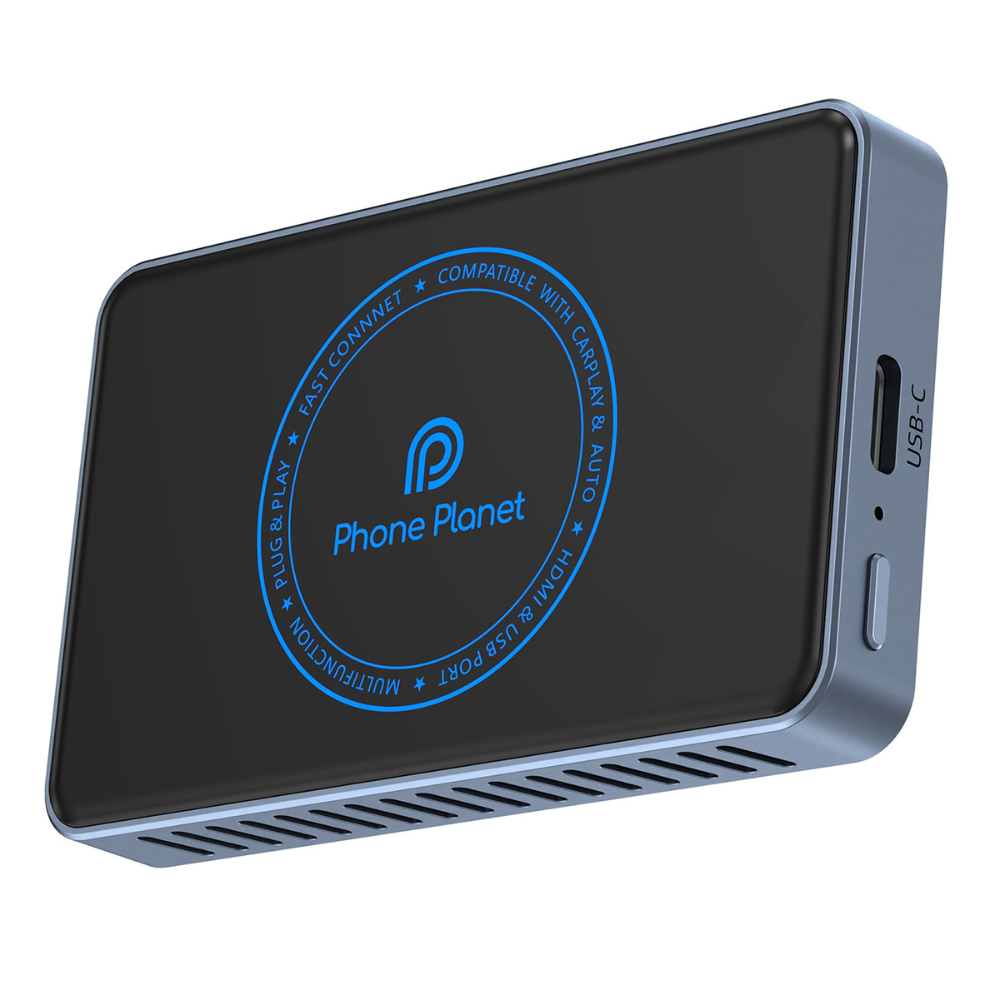
🔌 Transform your car's screen into an unparalleled smart experience! - Upgraded version for Type-C and USB
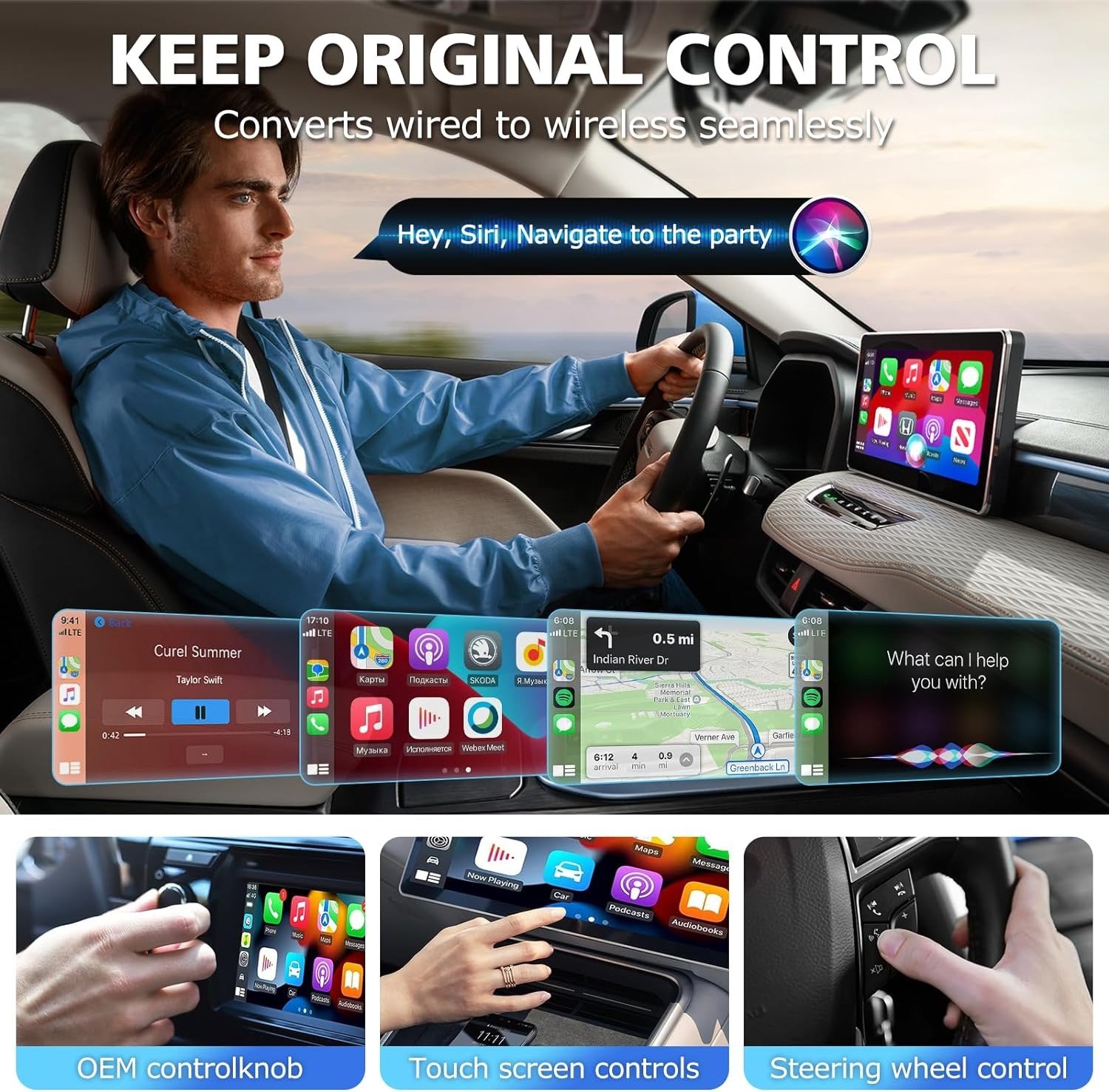
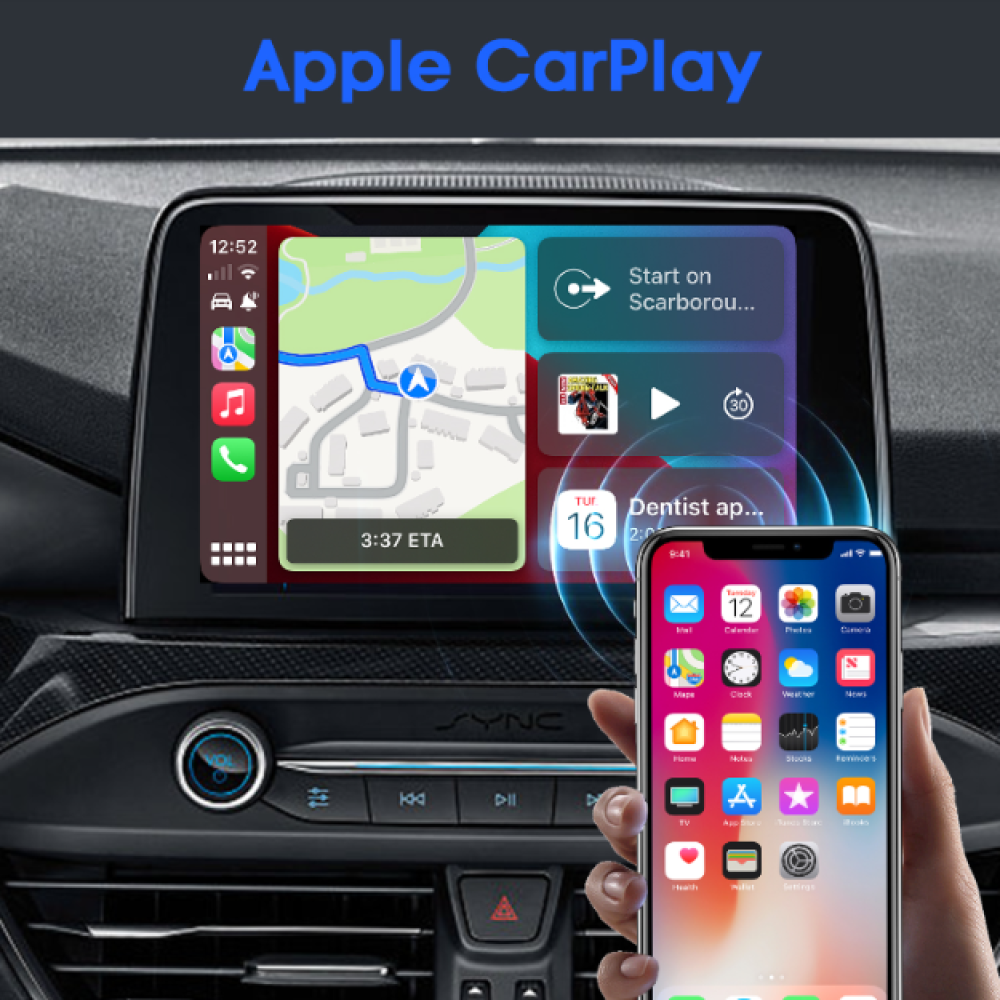
🎉 The Vonplant smart CarPlay adapter is perfect for CarPlay-enabled cars, 2016 models and above!
✨ Features:
🚗 Smart interface designed for cars – easy to use and quick response
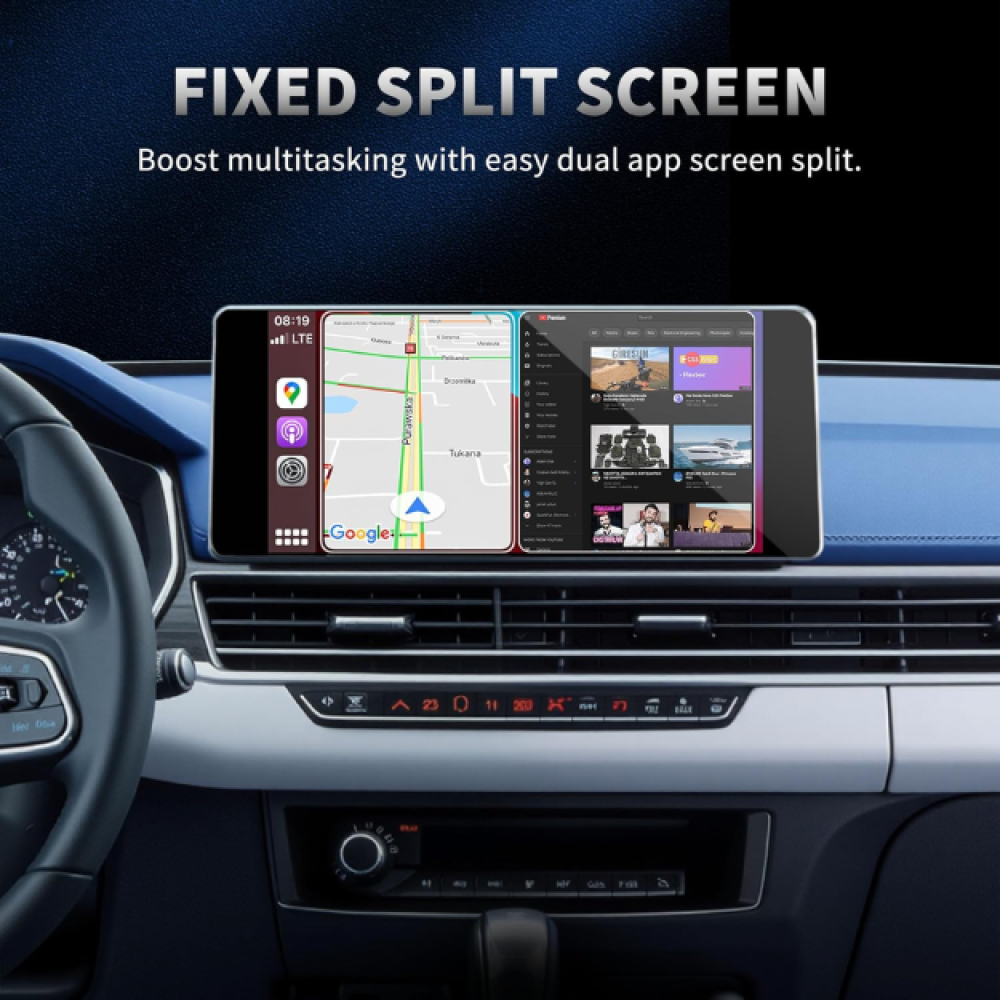
📱 Dual screen – run two apps at the same time! (For example: YouTube + Maps)
⚙️ Advanced system and operation:
📲 Android 13 | Automatic system updates
🧠 4GB RAM 💾 32GB Storage + MicroSD Support
📡 Comprehensive and integrated communication:
🔵 Bluetooth 5.0 – For uninterrupted calls and music
🌐 Wi-Fi – Browse, download apps, enjoy freedom
📍 Built-in GPS – Accurate and smooth navigation
🔌 USB & HDMI – Supports various connections and rear displays
🎬 Full support for applications:
📺 Eight - YouTube, Netflix, Shahid, Spotify, Google Maps and more!
🔁 Sync your data and apps with your Android phone
🔊 Pure sound, complete experience:
🎧 Supports multiple audio formats for playing music and audiobooks
🛡️ Two-year warranty
🎉 Important Note
To find out if your car supports Apple CarPlay or Android Auto, you can check by following these steps:
1) Through the official car specifications
✔ Visit your car manufacturer's website
✔ Search for the car model and year of manufacture
✔ See the Features / Connectivity / Infotainment section
If the car supports CarPlay, you will see it written:
- Apple CarPlay
- or Wireless Apple CarPlay
- Or Android Auto (for Android phones)
2) Through the car's own screen
Go to settings and look for:
- Phone Projection
- Smartphone Integration
- Apple CarPlay
If the option appears, it means that it supports CarPlay.
3) Delivery experience
- If the car supports CarPlay: When you connect the iPhone by cable (or wirelessly if the car supports it), a message will appear on the screen asking you to activate CarPlay.
If nothing appears:
The car often does not support or needs a software update.
4) Some common car models that support CarPlay
✔ Most cars from 2016 onwards now support
✔ Toyota – 2019 and above
✔ Hyundai and Kia – 2017 and above
✔ Ford – from SYNC 3 and above
✔ Honda – 2016 and above