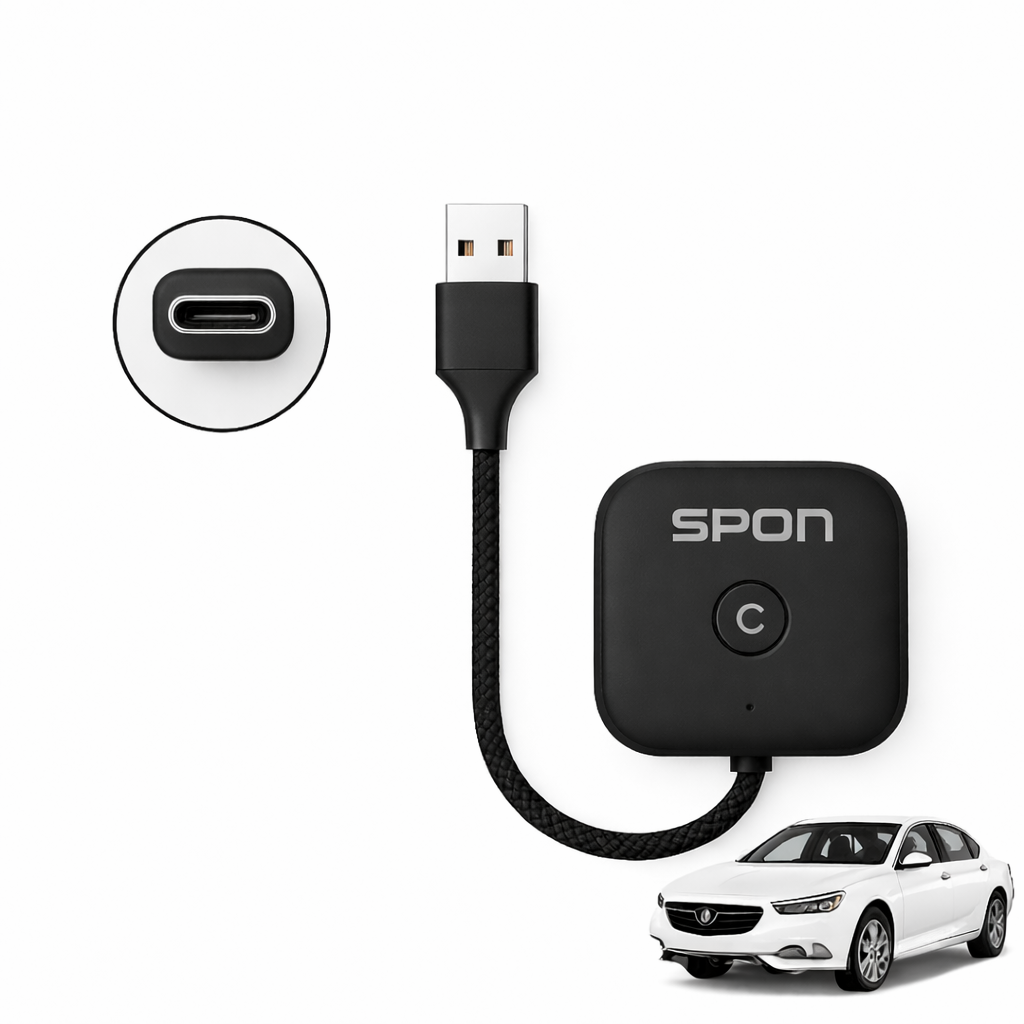
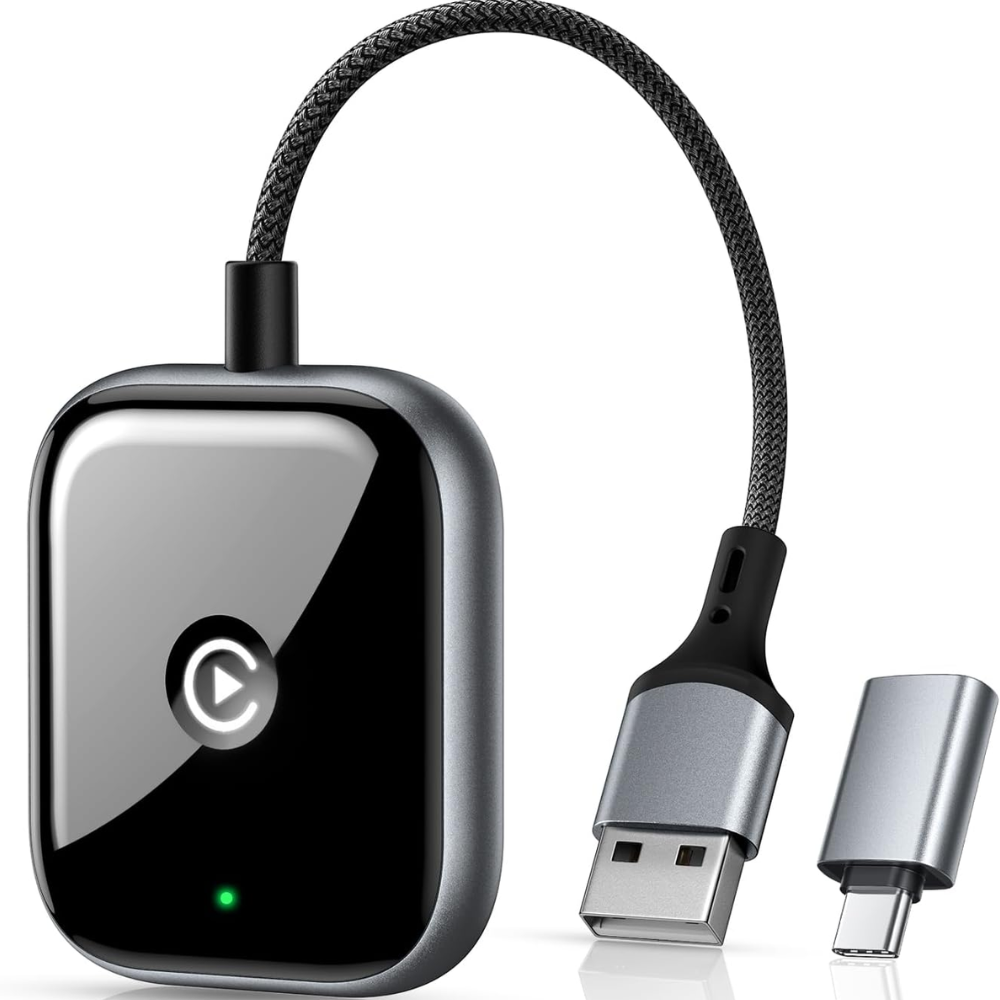
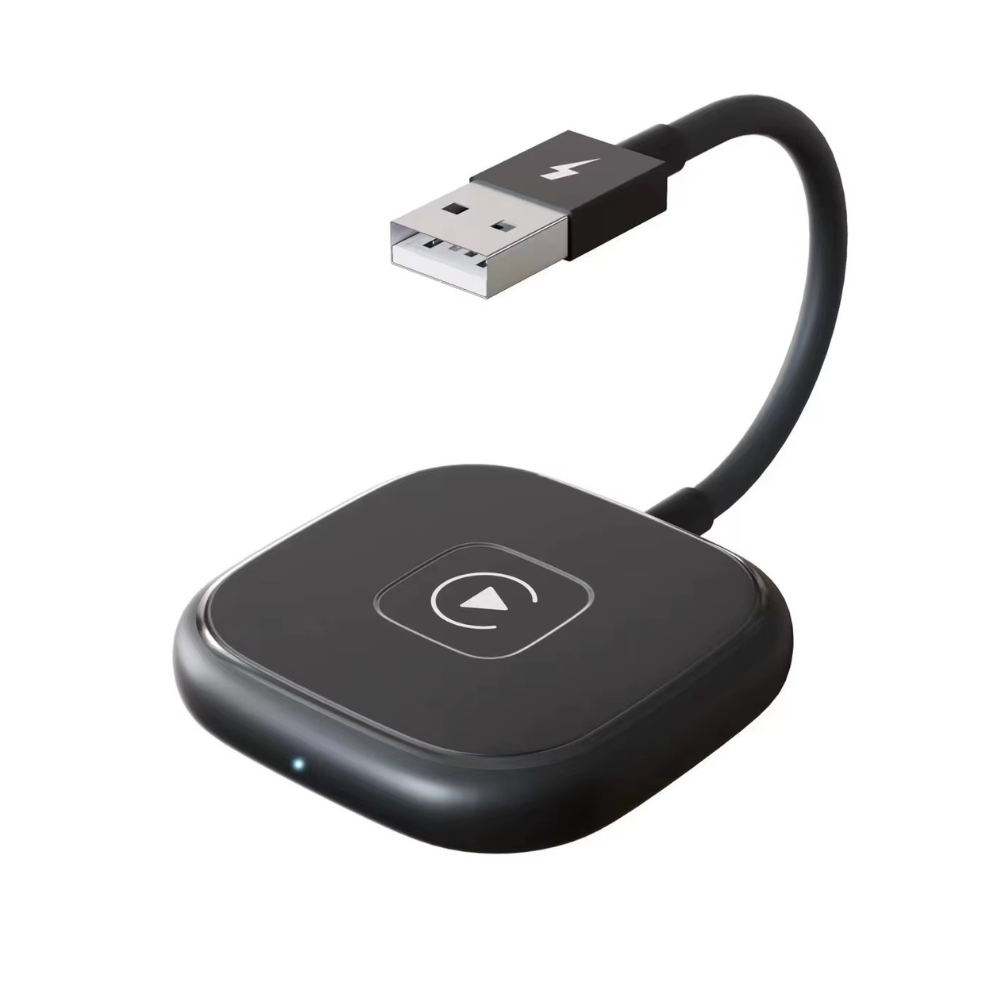
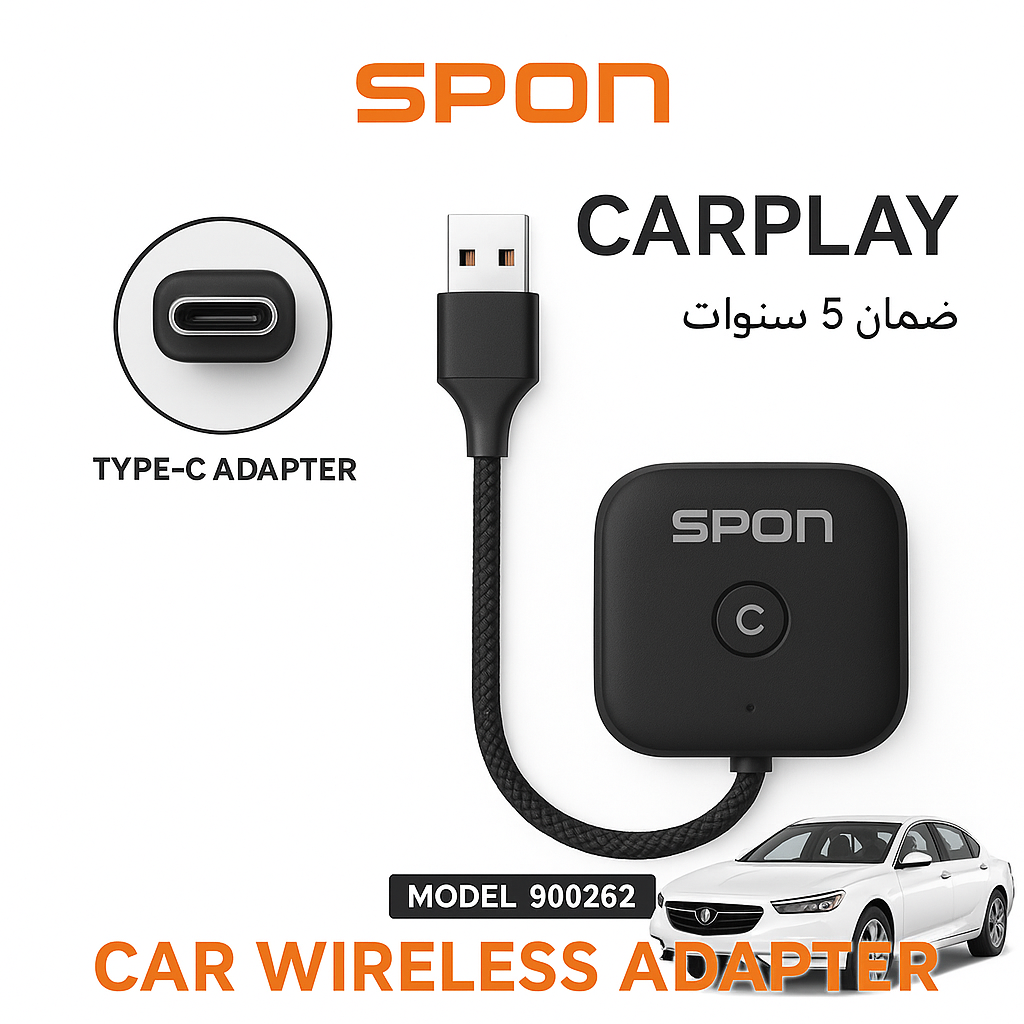
Easily convert your car's system to wireless CarPlay with the SPON 900262 Type -C to USB adapter.
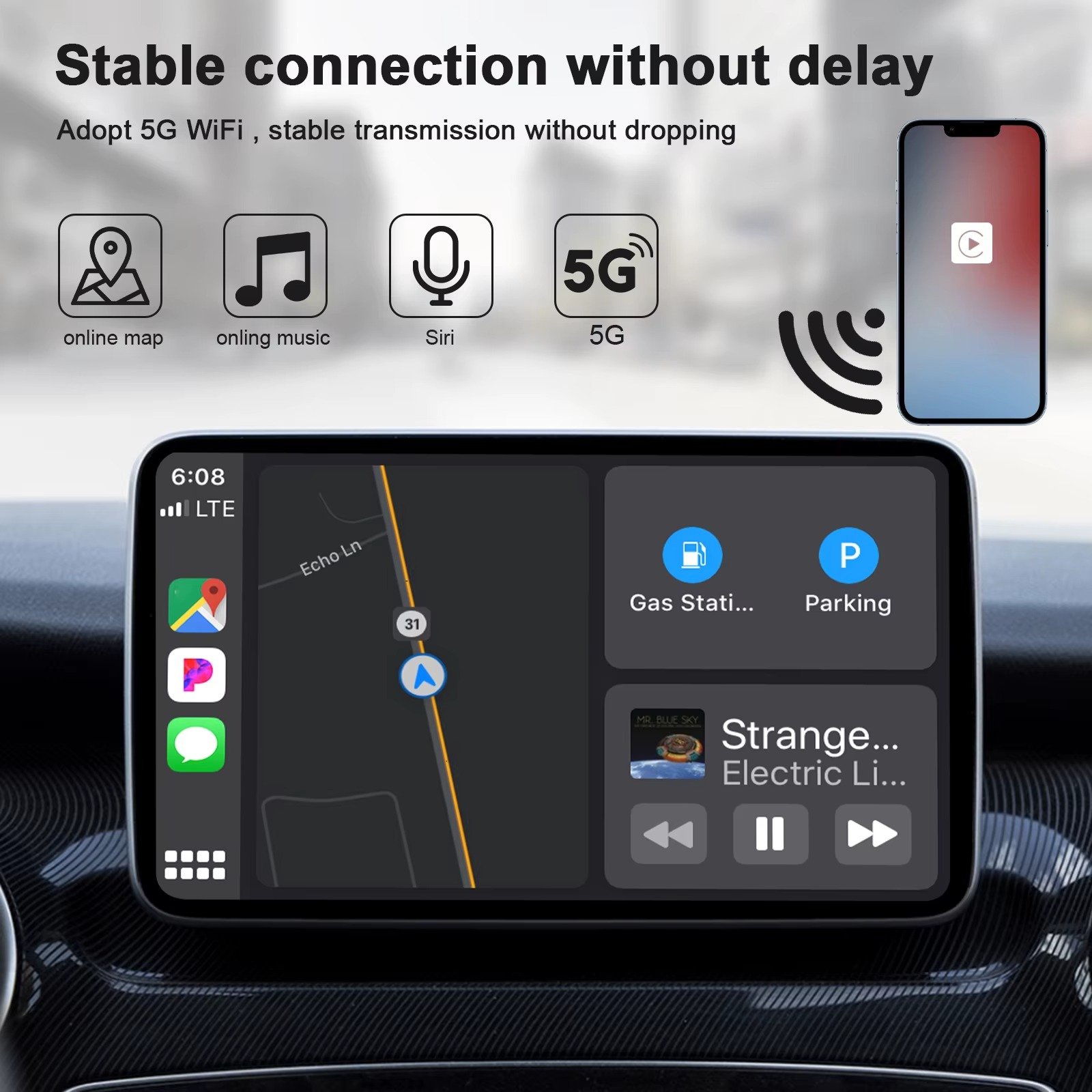
It supports ultra-fast 5GHz connectivity for higher stability and faster response, and operates automatically without the need for repeated setup.
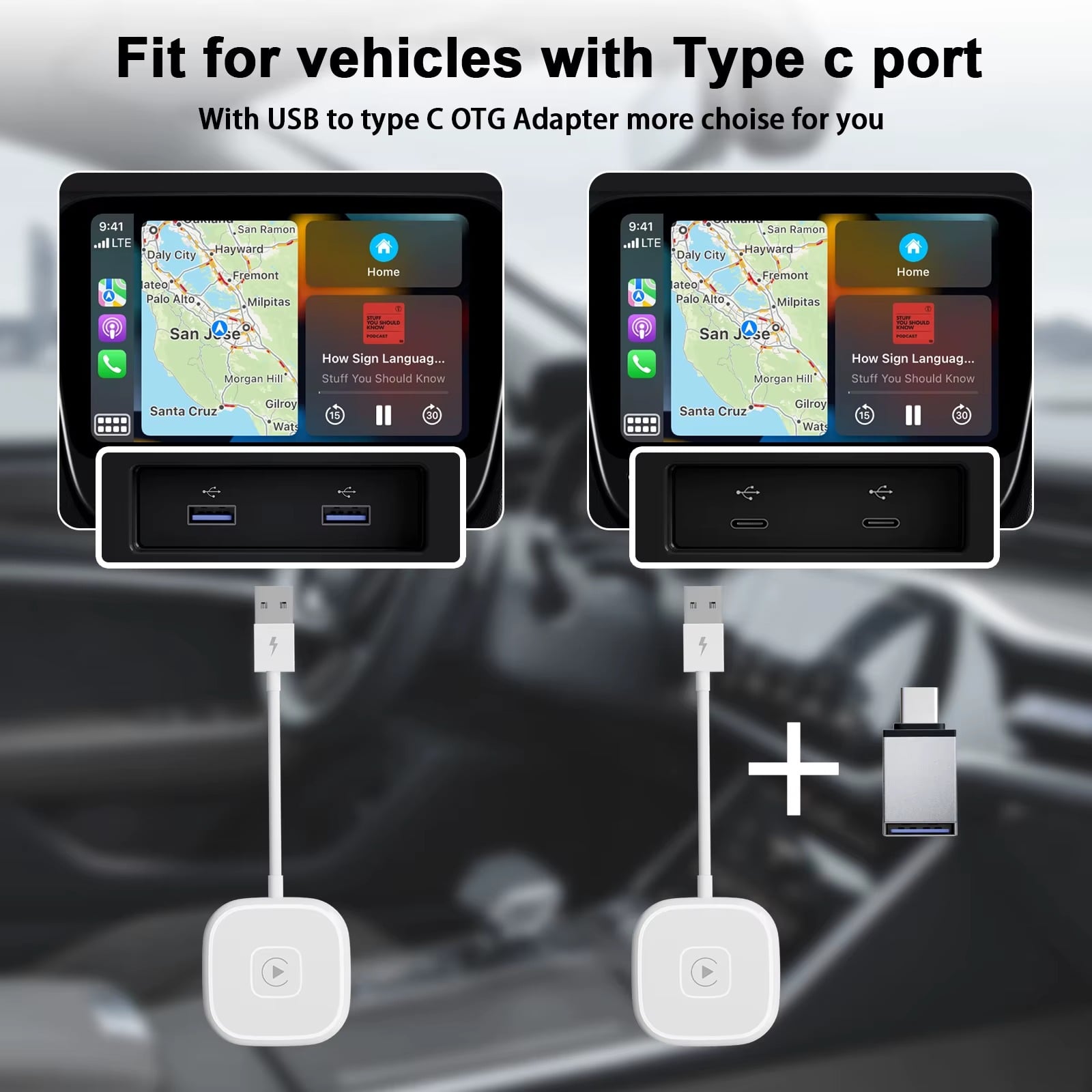
It comes with a Type-C adapter to be compatible with most cars and screens that support wired CarPlay.
Small and lightweight design, instant operation, and automatic reconnection once the car is running — with a 5-year warranty .
Elevate your driving experience with the SPON Wireless CarPlay Adapter that lets you upgrade your wired CarPlay system to wireless in seconds.
- Features: 🔄 Automatic connection as soon as the car is started without any additional steps.
- ⚡ 5GHz speed gives you faster response and higher connection stability.
- 🔁 Instant reconnection after initial setup — no need to re-pair.
- 🎛️ Small and lightweight design that doesn't take up much space and reduces wire clutter.
- 🔌 Supports USB input + Type-C adapter to be compatible with most cars.
- 🛡️ 5-year warranty — High quality and long-lasting reliability.
- 🚘 Compatible with all cars that support wired CarPlay .
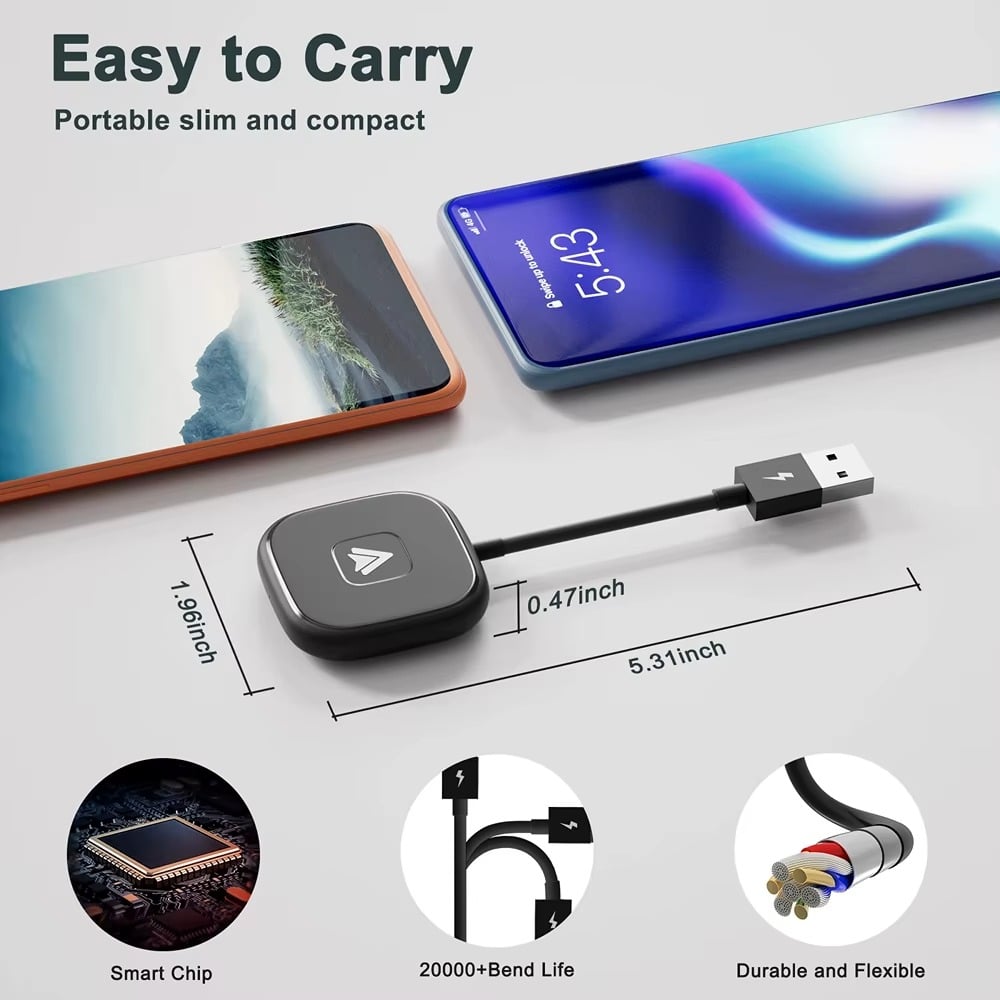
Technical specifications:
- Model: 900262
- High-speed data transfer 5.0 GHz
- Made to a high standard with a durable braided cable to withstand daily use.
- Compatible with iPhone systems that support CarPlay
Box contents:
- SPON Wireless CarPlay Adapter
- USB cable
- Type-C adapter
- User guide
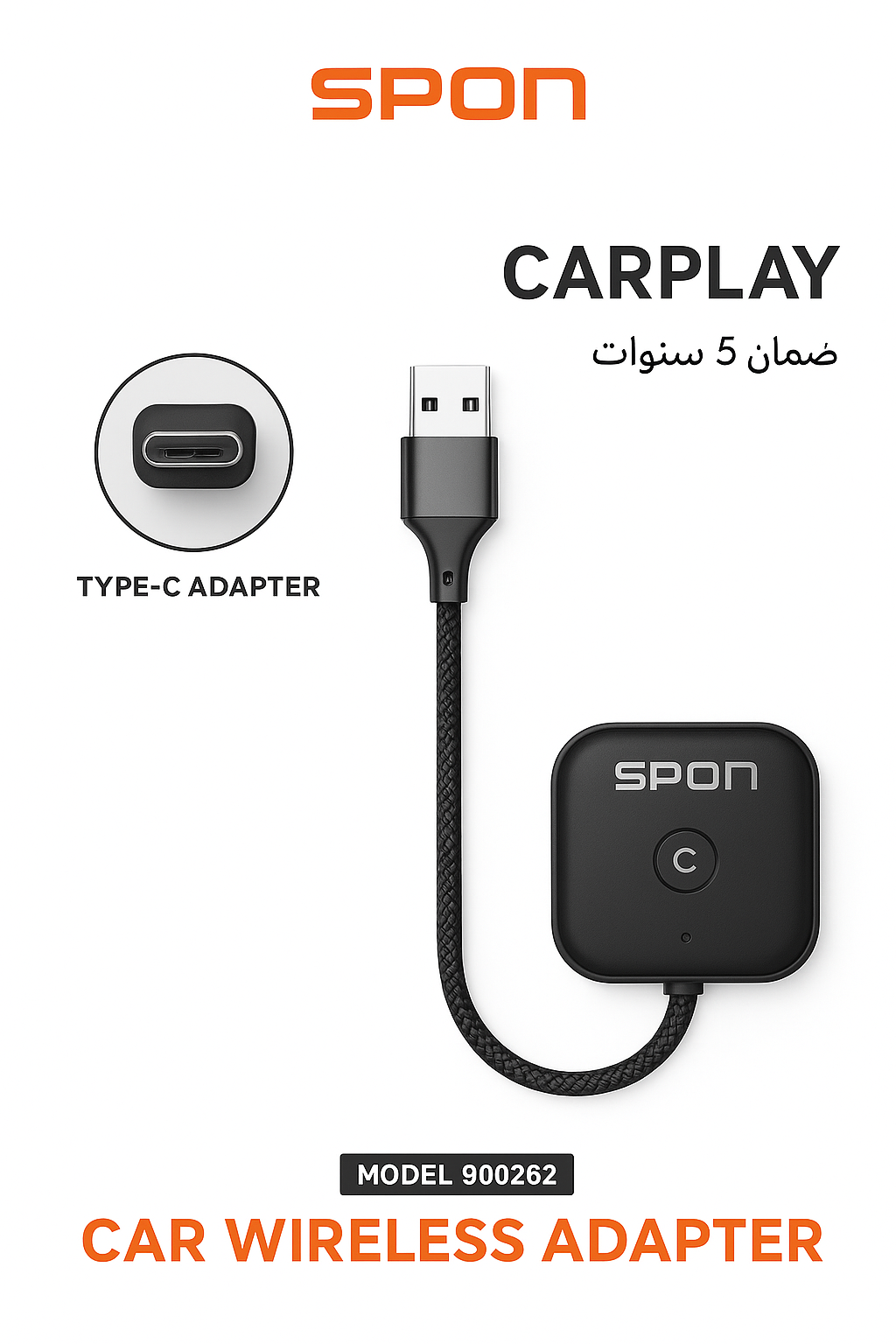
🎉 Important Note
- The car must have a screen with a data port for the screen, either USB or PD.
- Car model from 2016 onwards
- CarPlay is supported
🎉 Important Note
To find out if your car supports Apple CarPlay or Android Auto, you can check by following these steps:
1) Through the official car specifications
✔ Visit your car manufacturer's website
✔ Search for the car model and year of manufacture
✔ See the Features / Connectivity / Infotainment section
If the car supports CarPlay, you will see it written:
- Apple CarPlay
- or Wireless Apple CarPlay
- Or Android Auto (for Android phones)
2) Through the car's own screen
Go to settings and look for:
- Phone Projection
- Smartphone Integration
- Apple CarPlay
If the option appears, it means that it supports CarPlay.
3) Delivery experience
- If the car supports CarPlay: When you connect the iPhone by cable (or wirelessly if the car supports it), a message will appear on the screen asking you to activate CarPlay.
If nothing appears:
The car often does not support or needs a software update.
4) Some common car models that support CarPlay
✔ Most cars from 2016 onwards now support
✔ Toyota – 2019 and above
✔ Hyundai and Kia – 2017 and above
✔ Ford – from SYNC 3 and above